


VLOOKUP Auto-Link is one of the most-installed apps on the monday.com marketplace, and for good reason. It solves a problem almost every monday.com power user hits eventually: how do you keep data in sync across boards when your business runs on more than one workspace, and native mirror columns aren’t flexible enough for what you actually need?
The app started as a side project for Nir Ofir, founder of Jetpack Apps, before growing into a full business that serves thousands of paying customers. What it does is straightforward but powerful: you pick a shared key column between two boards (like an email address, order number, or client name), and VLOOKUP automatically pulls matching data from the source board into the target board. When source data changes, target data updates. When new items are created, VLOOKUP finds their match and populates the fields automatically.
For any team running inventory, sales pipelines, HR workflows, project management, or client onboarding across multiple boards, VLOOKUP replaces hours of manual data entry with a setup that runs itself in the background. It’s especially useful for teams that have outgrown mirror columns’ limitations around multi-board syncing, subitem matching, and using synced data in formulas and automations.
Standout Features
- Effortless cross-board matching – Connect items across different boards automatically using a matching key like an ID, code, or name. No manual linking needed.
- Smart field pulling – Choose which details you want to sync from a source board so your target board always has the most accurate, updated info.
- Automatic linking on triggers – Set it up so whenever an item is created or a column updates, the app immediately checks for a match and links it.
How It Works
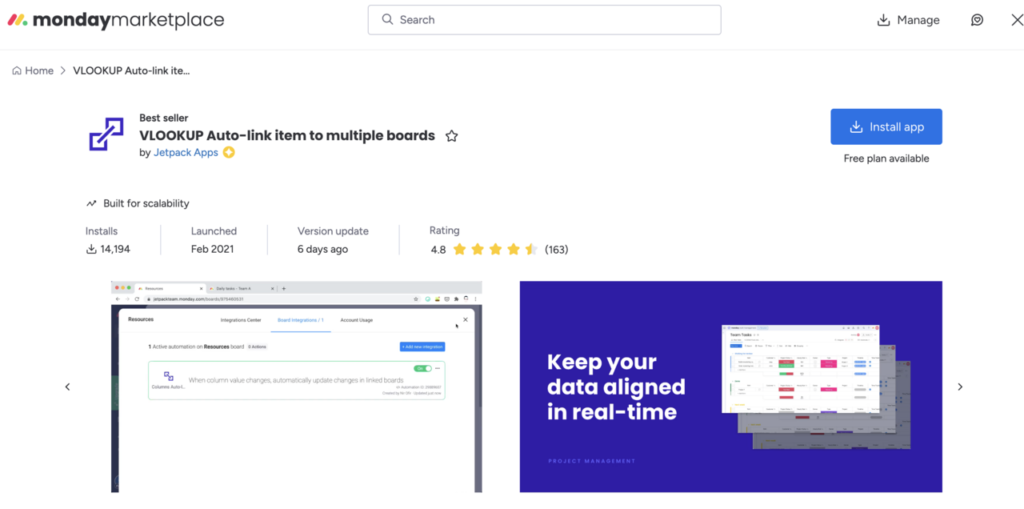
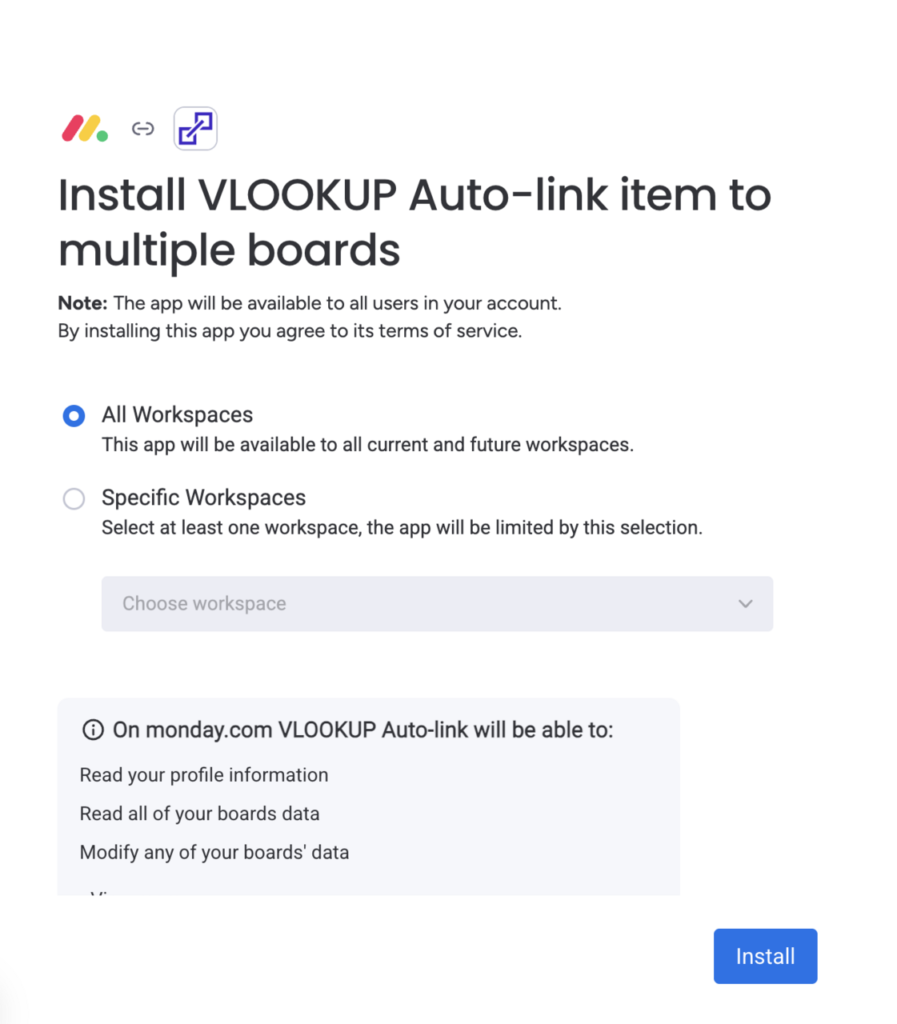
- Install the app from the monday.com Marketplace.
2. Pick your source board (the one with the master data) and your target board (the one that needs the info).
3. Choose a matching field in each board — usually something unique like a product ID, client code, or internal reference.
4. Select the fields you want to sync into the target board when a match is found.
5. Set your trigger: either “when an item is created” or “when a specific column changes.”
6. Save and test — the app will start auto-linking items and pulling in mapped values whenever it finds a match.
Pros and Cons
Pros:
- Eliminates manual linking across boards.
- Helps maintain accurate, consistent data in every board.
- Handles large, complex board setups well.
- Great for high-volume workflows like orders, inventory, or directories.
- Reduces errors caused by copy-paste or outdated info.
Cons:
- Requires clean, consistent key fields for best results.
- Mapping needs to be updated if you change board structures.
- Might be more than you need if you only work within one board.
- Costs can add up depending on team size and usage.
- Very advanced linking logic may still require additional tools.
Use Cases & Best Practices
Use cases:
- Pulling product details into an order board based on product ID.
- Auto-linking client information to new project items.
- Syncing job details from a listings board into a candidate tracking board.
- Connecting inventory data to sales or fulfillment boards.
Pricing & Availability
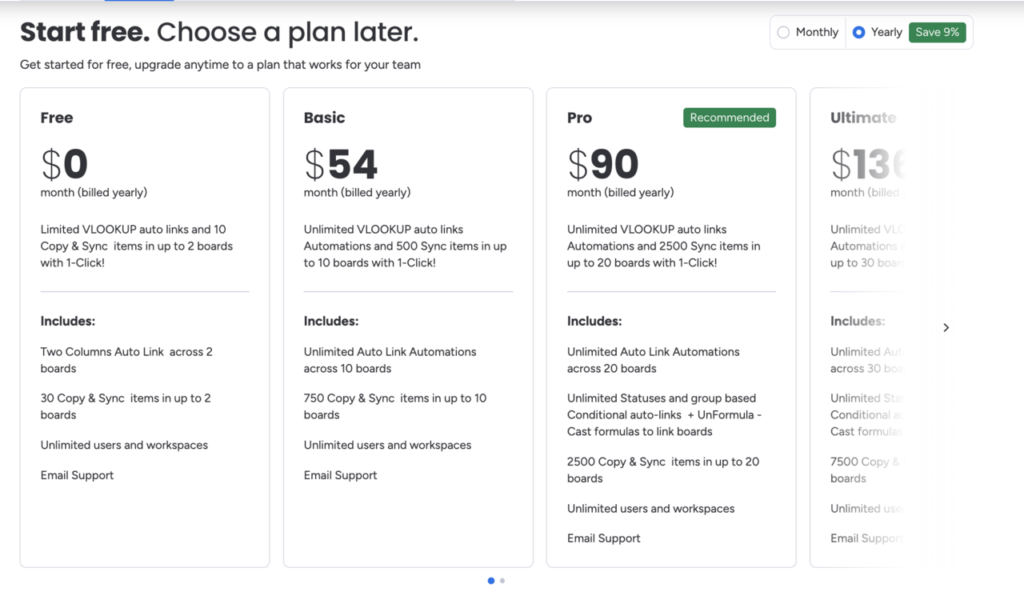
Pricing depends on connection and automations..
Final Thoughts & Recommendation
If you deal with multiple boards, large datasets, or workflows that depend heavily on a central “master” board, VLOOKUP Auto-Link can save you hours of manual linking and rechecking. It keeps everything synced, reduces mistakes, and gives you a smoother, more reliable workflow across your entire monday.com setup.