


Company Background
A healthcare staffing company needed a unified way to manage two parallel but connected processes:
- Selling staffing services to nursing homes, and
- Recruiting, preparing, and onboarding nurses for placement.
Their existing workflows required heavy manual work, duplicate data entry, and no single hub to track a candidate from first contact all the way through onboarding.
The Challenge
Disconnected Processes
Sales and HR worked from separate systems, making it difficult to track which candidates were tied to which nursing home and where each deal stood.
State-by-State Compliance
Each U.S. state had its own nursing requirements and documentation. There was no consistent way to store, reference, or connect these requirements to the correct deals.
High Candidate Volume
Each nursing home required multiple RNs and CNAs. HR needed to upload CVs, review profiles, and track progress for dozens of candidates at a time.
Manual Email Communication
Sending candidate profiles to nursing homes required manually assembling emails and copying information from multiple sources.
Complex Onboarding Pipeline
Once a candidate was hired, they moved into a long onboarding workflow involving visas, certification steps, state exams, and document collection — all managed outside of any structured system.
The Solution
Simpleday built a fully connected workspace inside monday.com that tied Sales, HR, and Onboarding into a single workflow.
The setup uses monday CRM, a customized Candidates board, an Onboarding board, a State Requirements library, and two Make.com automations for subitems and Gmail draft creation.
Together, these components bring the full cycle into one place: lead → deal → candidate selection → hire → onboarding.
Workflow Breakdown:
Lead Management
- Leads enter through a form into the Leads board
- State requirements auto-link using a connected board
- Qualified leads automatically generate Accounts, Contacts, and Deals
Deal Tracking
- Deal values calculated using RN/CNA needs
- Connected CRM boards provide full context
- Sales works the deal stages inside the monday CRM
Candidate Management
- monday AI extracts email/phone from uploaded CVs
- Candidate pipeline tracks review status, recruiter, and resume links
Matching Candidates to Deals
- Sales selects candidates from a connected board column
- Make.com creates subitems on both boards for shared visibility
Candidate Proposal Emails
- A status change triggers Make.com to generate a Gmail draft
- Draft includes client name, candidate names, and resume links
Onboarding
- Hired candidates automatically move to the Onboarding board
- Visa steps, training milestones, documents, and exams are tracked until completion
Key Automations & Integrations
- Lead → Deal conversion
- Automatic Contact + Account creation
- Activity logging
- Candidate/deal subitem creation via Make.com
- Gmail draft creation via Make.com
- Onboarding item creation when a candidate is hired
The Impact
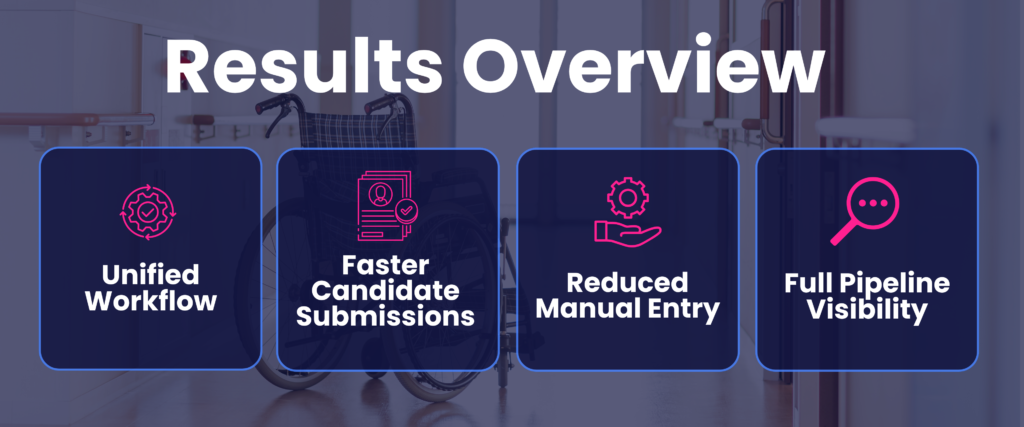
- One connected workflow for Sales, HR, and Onboarding
- Faster candidate submissions with consistent, accurate details
- Reduced manual data entry thanks to AI extraction
- Organized onboarding process with full visibility
- Accurate forecasting as RN/CNA needs shift
