Why hire a monday.com consultant (in 2026)
If you’re deciding whether to hire a monday.com consultant, you’re not alone. The platform is designed to be self-service, but in reality, many of its


If you’re deciding whether to hire a monday.com consultant, you’re not alone. The platform is designed to be self-service, but in reality, many of its
monday.com and Asana are two of the most popular work management systems on the market today. They both proclaim to be leaders in workflow automations
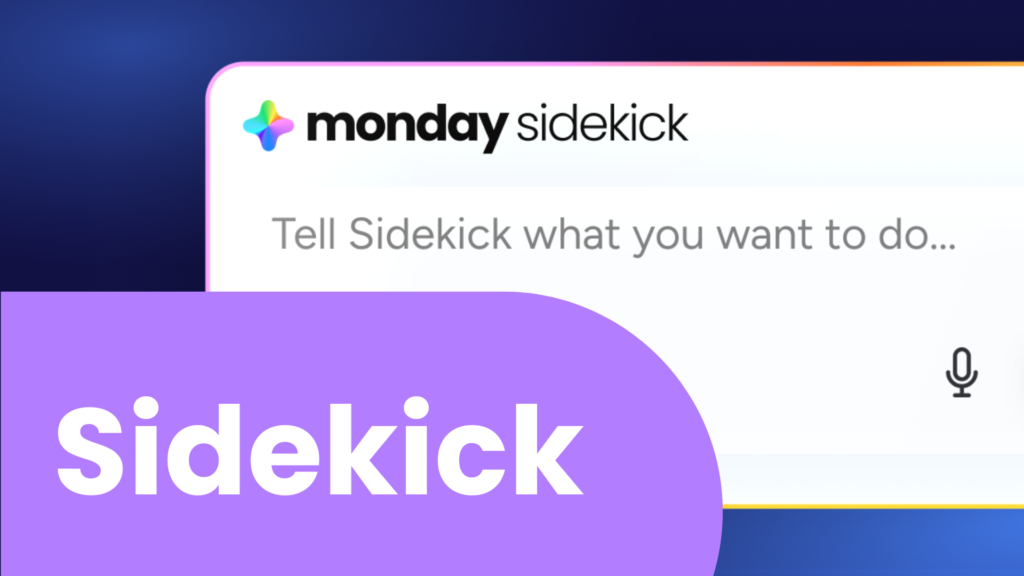
If you have been hearing about monday Sidekick but have not actually put it to work yet, now is the time. Sidekick is one of
monday.com AI features are great for your team to embrace automation, but how do you keep track of the credit consumption? Which workflows gobbled them

monday.com AI agents are one of the most significant upgrades to workflow automation inside the platform. Instead of relying solely on rigid, rule-based automations (previously
Meeting notes scattered across different apps create chaos, but monday.com just launched a solution: an AI-powered notetaker integrated inside your workspace. I installed and tested

If you’re new to monday.com and feel overwhelmed by all the buttons, columns, and options staring back at you, take a breath. In this blog

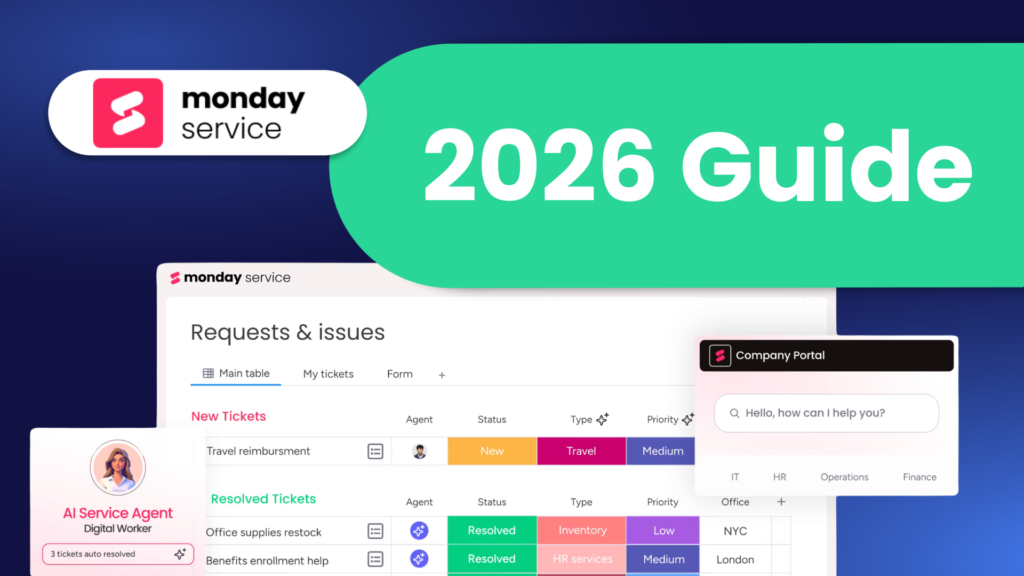
A Complete 2026 Guide monday service is a monday.com solution that provides a scalable way to manage customer support inside monday.com, without cluttering up your

Artificial intelligence is transforming how modern sales teams operate, especially inside customer relationship management (CRM) systems. monday AI agents are built directly into monday.com CRM to

Monday.com recently rolled out a small but mighty update to connected board columns. If you’ve ever set up a connection between boards and later realized

Simpleday Solutions is proud to share that we have been recognized as both an Advanced Delivery Partner and a Platinum Partner by monday.com. These designations
“Did I set up my boards correctly?” This is one of the most common questions monday.com users ask. And honestly, it’s the right question to